Feedback
freeTrialImage.bannerPity
freeTrialImage.upgradeUnlock
- ✓freeTrialImage.benefitHd
- ✓freeTrialImage.benefitWatermark
- ✓freeTrialImage.benefitUnlimited
MOSS-Image
Sketch your scene or paste a JSON layout, and MOSS-Image places every object, caption and bounding box exactly where you want it — free online.
AI Tools
Explore AI tools

Free AI Image
Truly Free AI Image Generator

AI Image Editor
AI Photo Editor Online

Image Upscaler
Enhance image resolution effortlessly

AI Color Changer
Transform photo colors in seconds
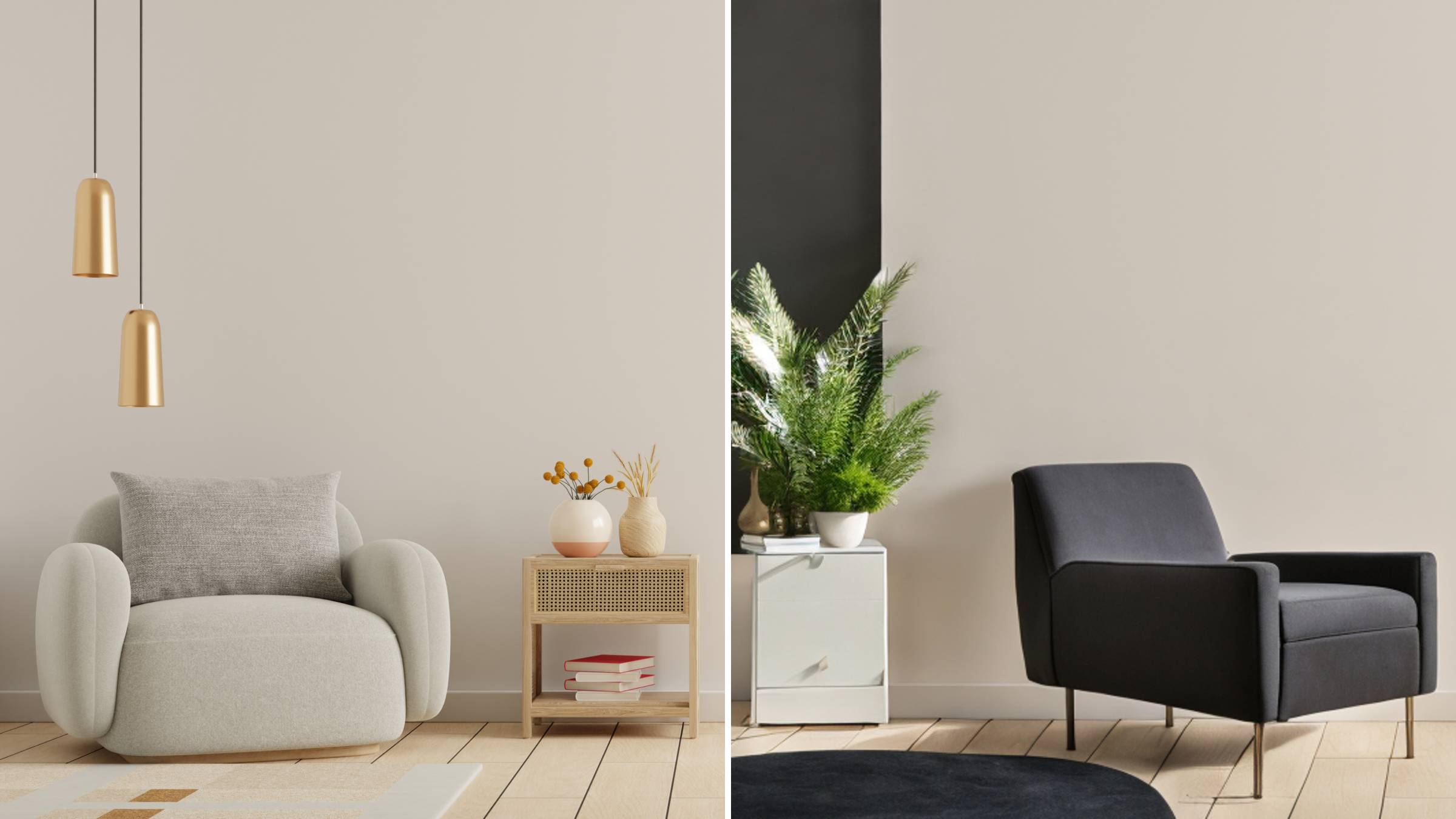
AI Room Designer
Design your dream room with AI-powered 3D rendering

Skin Enhancer
Enhance skin texture naturally with AI
Face Editor
Enhance face texture naturally with AI

AI Clothes Changer

The Advantage of MOSS-Image
A five-billion-parameter image model whose compositions are written down, not guessed at.
- Layout You DictateAssign a bounding box to every element and every rendered word, so the final composition follows your JSON spec rather than random placement.
- Five-Billion-Parameter CoreExtended prompts stay intact from start to finish, and the released weights can be tuned for your own niche, dataset or domain.
- Two Checkpoints, One ArchitectureBoth variants ship under Apache-2.0 with identical structure; the fine-tuned release keeps on-image lettering cleaner and better grouped.
Running MOSS-Image in Three Steps
From a fresh Python environment to a fully controlled layout render.
MOSS-Image: Frequently Asked Questions
Answers on prompts, checkpoints, hardware and licensing for MOSS-Image.
Which parts of a picture can I position with layout control?
A JSON prompt describes the scene, its objects and any on-image text, and each element carries its own box for position and size.
What separates the Base and SFT checkpoints?
Both share one architecture and sampling interface. SFT has been fine-tuned on curated data and, in the project demo, produces tighter text grouping and a cleaner whiteboard layout.
Is there a limit on prompt length?
Roughly 4K tokens — plenty of room for a JSON layout that describes many elements at once.
What do I need installed to run it?
Python 3.10+ alongside an NVIDIA GPU and a matching PyTorch build. Short on memory? Switch to Sequential mode or reduce image size; Compile DiT is off by default and disabled in that mode.
Does it work as a ComfyUI node?
It does. Install the native plugin through ComfyUI Manager, then open the bundled example workflow; inclusion in the official ComfyUI repository is still underway.
How is the project licensed?
Weights ship under Apache-2.0, while the pipeline code and third-party components keep their own terms. For research work, cite the project repository.
Put MOSS-Image to Work
Set up the Diffusers pipeline or the ComfyUI plugin, feed it a JSON layout, and watch your composition land — or shape the idea with the built-in prompt helper first.