
Feedback
freeTrialImage.bannerPity
freeTrialImage.upgradeUnlock
- ✓freeTrialImage.benefitHd
- ✓freeTrialImage.benefitWatermark
- ✓freeTrialImage.benefitUnlimited
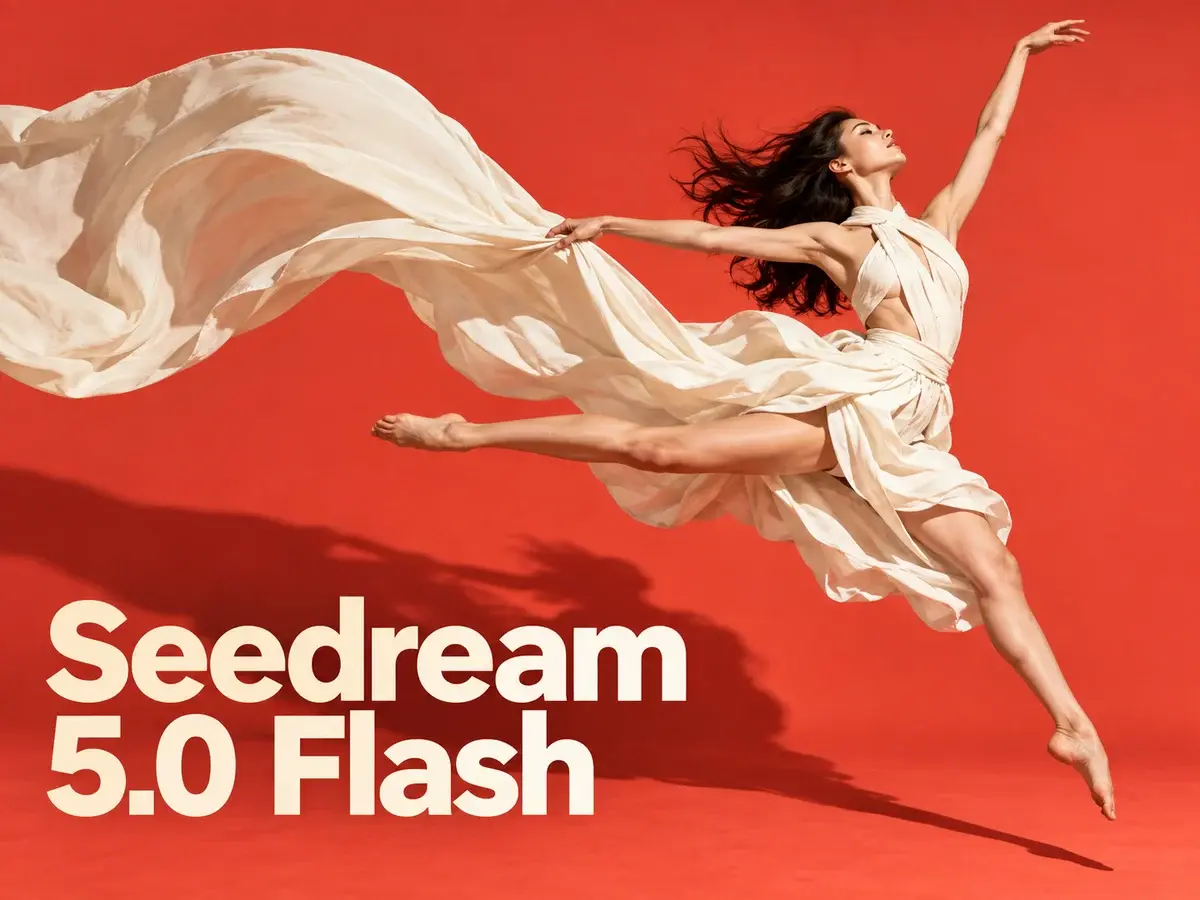
Seedream 5.0 flash
Turn a written brief or ten reference photos into polished visuals with Seedream 5.0 Flash — sharp 2K exports and readable text in any language.
AI Tools
Explore AI tools

Free AI Image
Truly Free AI Image Generator

AI Image Editor
AI Photo Editor Online

Image Upscaler
Enhance image resolution effortlessly

AI Color Changer
Transform photo colors in seconds

AI Room Designer
Design your dream room with AI-powered 3D rendering

Skin Enhancer
Enhance skin texture naturally with AI
Face Editor
Enhance face texture naturally with AI

AI Clothes Changer

What Seedream 5.0 Flash Brings to Your Workflow
A lean, quick-turnaround member of ByteDance's Seedream 5.0 family, made for fast drafts and edits assembled from several reference shots.
- The Quick, Low-Cost TierStands as the value-focused entry in ByteDance's Seedream 5.0 range, positioned just beneath the flagship Seedream 5.0 Pro.
- Same Rate at Every ResolutionExport at 1K, 1.5K or 2K and the bill stays at three credits; edits are priced identically and uploaded references cost nothing.
- Edit With Up to Ten ReferencesLoad as many as ten pictures, describe the adjustment you have in mind, and Flash blends them into one finished image.
How Seedream 5.0 Flash Works in Three Steps
From first brief to finished picture in three quick moves.
Seedream 5.0 Flash: Common Questions
Straight answers about generating, editing, credit costs and export sizes in Flash.
What separates Seedream 5.0 Flash from Seedream 5.0 Pro?
Flash targets speed and low cost within the Seedream 5.0 range, while Pro is ByteDance's flagship — maximum visual fidelity, stronger typography and results up to 2K.
Which sizes and aspect ratios are available for export?
You can render at 1K, 1.5K or 2K and pick from a wide spread of ratios, from 21:9 widescreen all the way through to 9:16 vertical.
Do larger resolutions cost more credits?
No — each picture is three credits whatever resolution you pick. Edits are priced identically, and uploading references never adds to the total.
What is the reference limit for a single edit?
Ten images at most. Supply your references, describe the adjustment, and Flash combines the subjects, products and styles into one result.
Does Flash handle text in languages other than English?
It does. Readable lettering in English and other languages can be placed inside the picture — useful for posters, menus, social posts and product mockups.
Which models make up the Seedream family?
Seedream 5.0 Pro, Seedream 5.0, Seedream 4.5 and Seedream 4, each balancing fidelity, typography and generation quality in its own way.
Put Seedream 5.0 Flash to Work
Start from a written prompt or as many as ten photos, refine the result, and download it at up to 2K in PNG or JPEG — three credits for every image, references included at no charge.