
Feedback
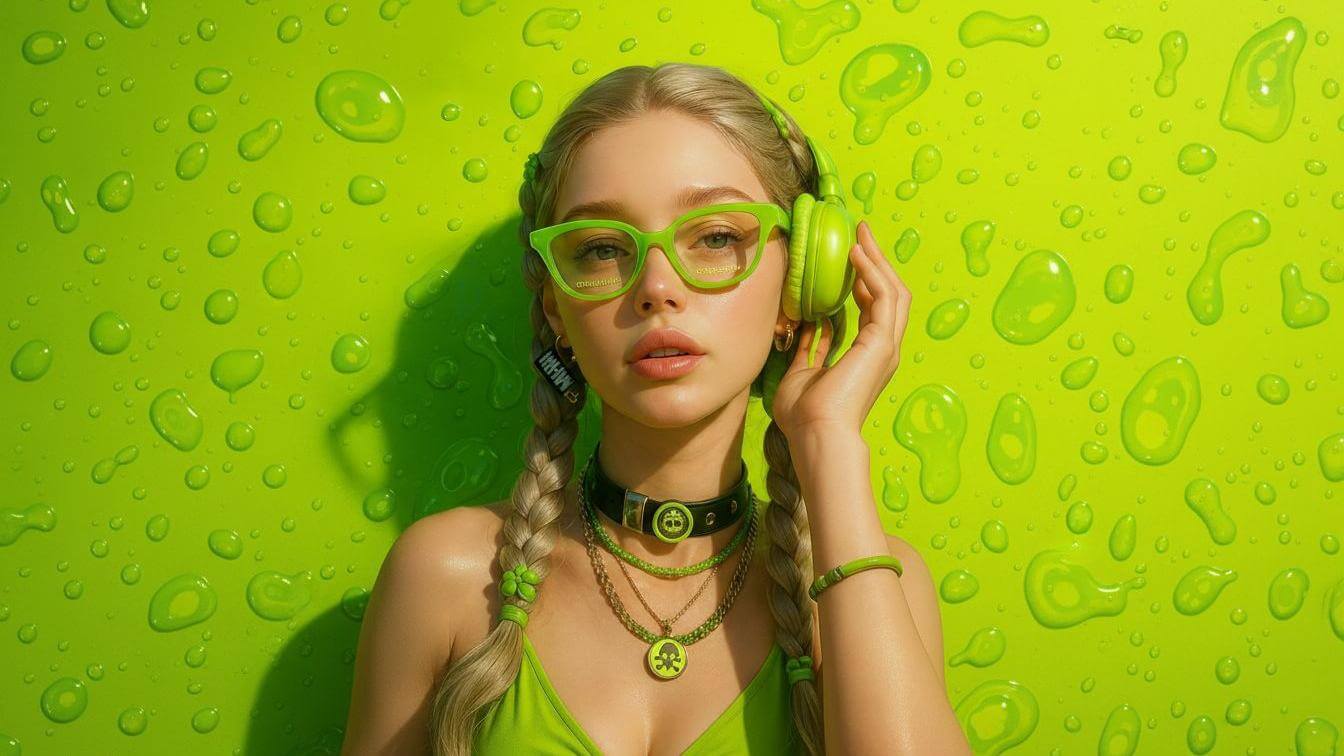
freeTrialImage.bannerPity
freeTrialImage.upgradeUnlock
- ✓freeTrialImage.benefitHd
- ✓freeTrialImage.benefitWatermark
- ✓freeTrialImage.benefitUnlimited
Krea 3
Krea 3 pulls up to four photos into one canvas, repaints only the spot you point to, and delivers crisp 2K output straight from your text prompt.
AI Tools
Explore AI tools

Free AI Image
Truly Free AI Image Generator

AI Image Editor
AI Photo Editor Online

Image Upscaler
Enhance image resolution effortlessly

AI Color Changer
Transform photo colors in seconds

AI Room Designer
Design your dream room with AI-powered 3D rendering

Skin Enhancer
Enhance skin texture naturally with AI
Face Editor
Enhance face texture naturally with AI

AI Clothes Changer

Meet Krea 3: Four References, One Precise Edit
Feed it several photos and it folds subjects, products and moods together — everything you leave unmentioned stays exactly as shot.
- Blend several referencesNumber every upload, then tell the model which person, product or outfit should travel from one shot into another.
- Edit one detail, keep the restCall out a scarf, a doorway or the sky in words, and the faces, walls and daylight around it stay untouched.
- Borrow a look from your uploadsLift paper grain, a palette or a painted texture from any reference, then carry one layout across a whole run of variants.
How Krea 3 Works, Step by Step
Three quick moves take you from raw uploads to a finished 2K frame on Morphic.
Questions About Krea 3, Answered
Short answers on references, resolution and what Krea 3 leaves alone.
How many references can one Krea 3 edit take?
You can attach four per run. Numbering them lets the model pull a face from one shot, a jacket from another and a backdrop from a third.
Can Krea 3 work from text alone?
Yes. Skip the uploads, write a prompt, and a finished 2K picture comes back the same way.
Which sizes and ratios can I export?
Native 2K is the default, with 1080p and 1440p available on Morphic. Pick from auto plus ten ratios, from 9:16 up to 21:9, or match whatever your source frame uses.
What separates Krea 3 from Krea 2?
Krea 2 dreams up a new scene loosely inspired by your input. Krea 3 starts from your actual photo and imports people, products and styling from the extra shots you add.
Where can I try Krea 3 today?
It is still rolling out to Morphic. Until it lands, Nano Banana Pro and GPT Image 2.5 handle edits and Krea 2 handles generation on the same Canvas; the samples on this page came from Nano Banana Pro.
What stays untouched when I edit?
Anything you do not call out usually survives — crop, walls, ambient light, a pose, street signage, type and fine print — so only the element you name actually shifts.
Put Krea 3 to Work on Your Next Shot
Try it free, upgrade or cancel whenever you like. Krea 3 is on its way to Morphic, and Nano Banana Pro, GPT Image 2.5 and Krea 2 are already running on the same Canvas.